Poster Sheet Builder
Cut a 2-hour manual job to 10 minutes: packs downloaded images onto print-ready sheets, each at the largest size it can print sharp.
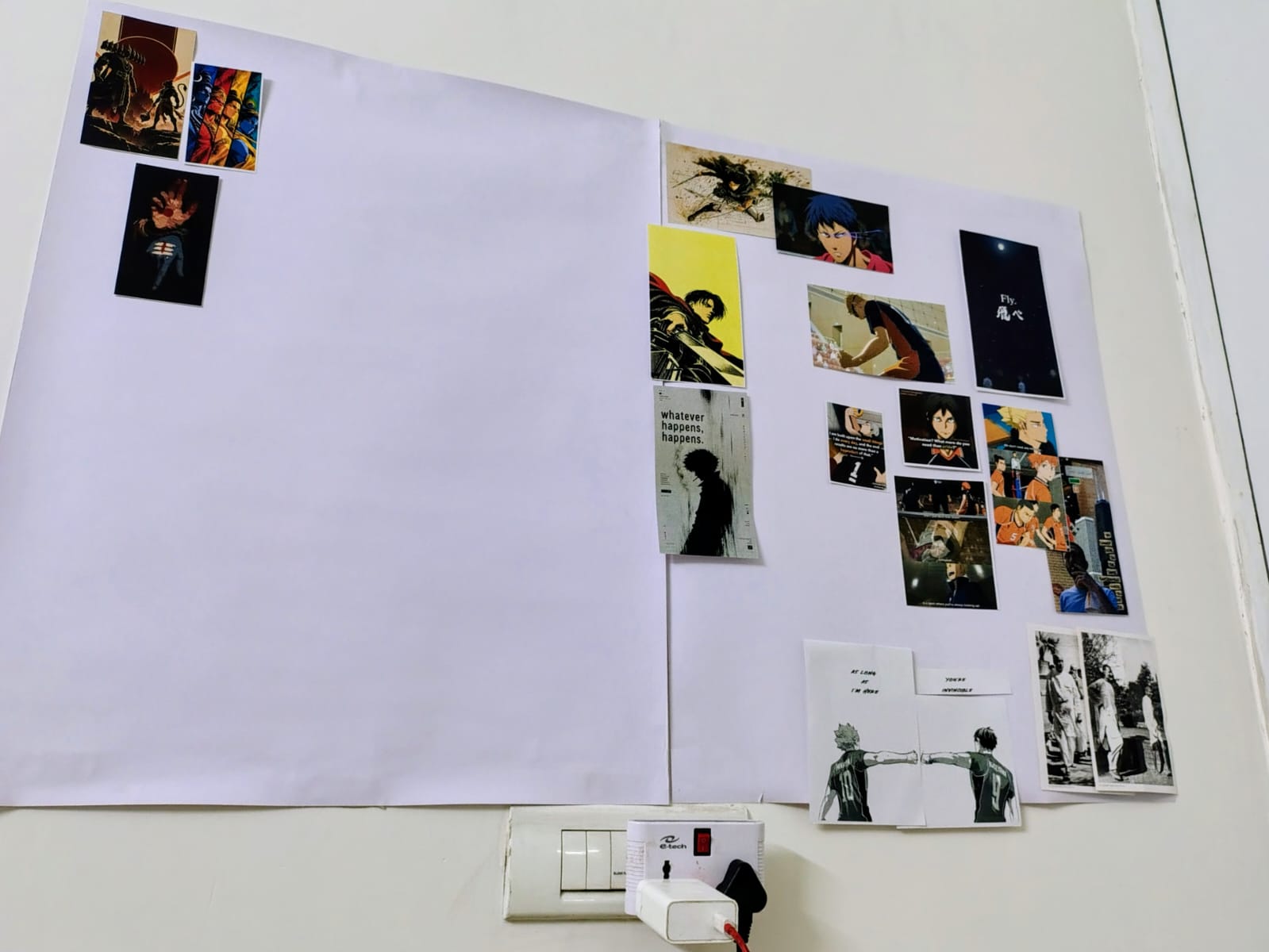
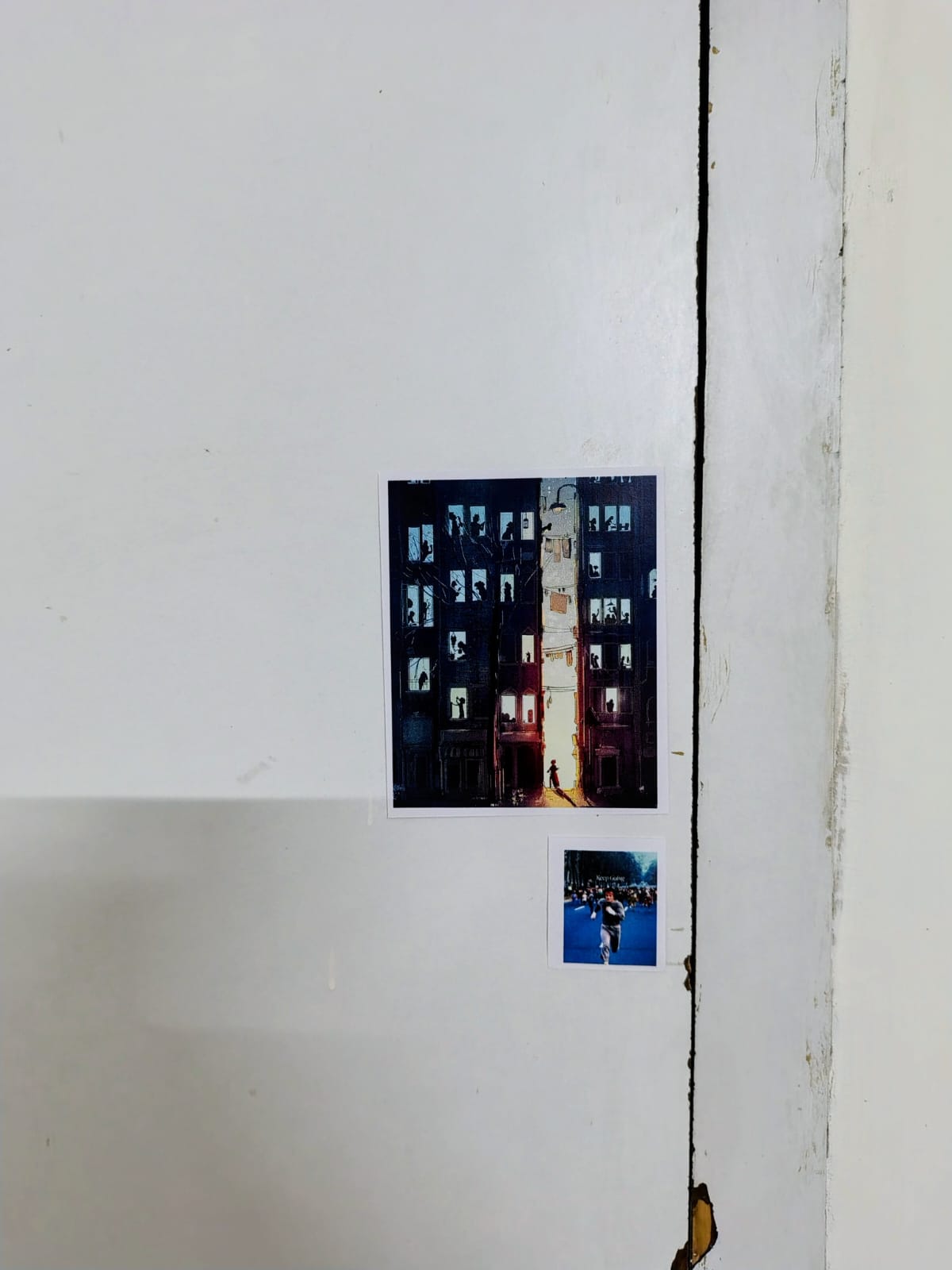
Designing a Wall Art & printing that batch of different posters took over two hours, every time. Download the pins one by one. Guess which ones would pixelate if printed bigger. Arrange them by hand in Canva, then export a PDF for the print shop.
None of that needed a person. Only the choices did: which ones, how big, and where they go on the wall.
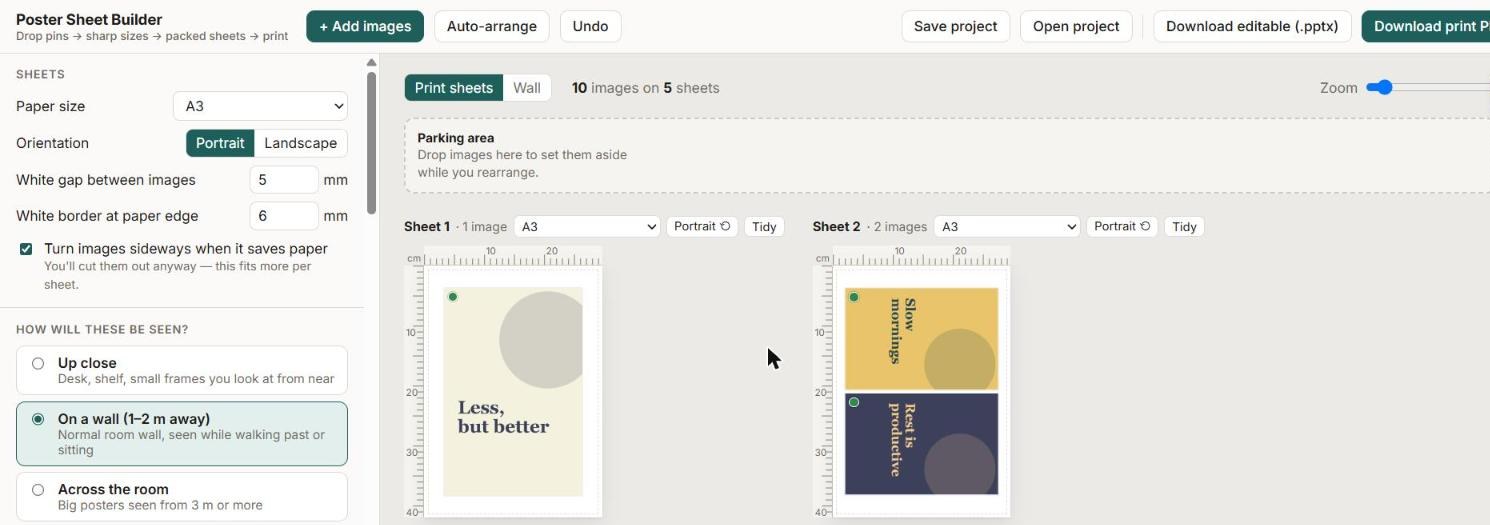
Pick up close, on a wall, or across the room. Each image goes as big as it can while staying sharp, with green, amber or red dots to show print quality.
Fits every image onto as many sheets as needed, in A2 to A5 or 12 × 18 in, turning some sideways to save paper.
Drag, resize, move images between sheets, park them aside, and undo anything.
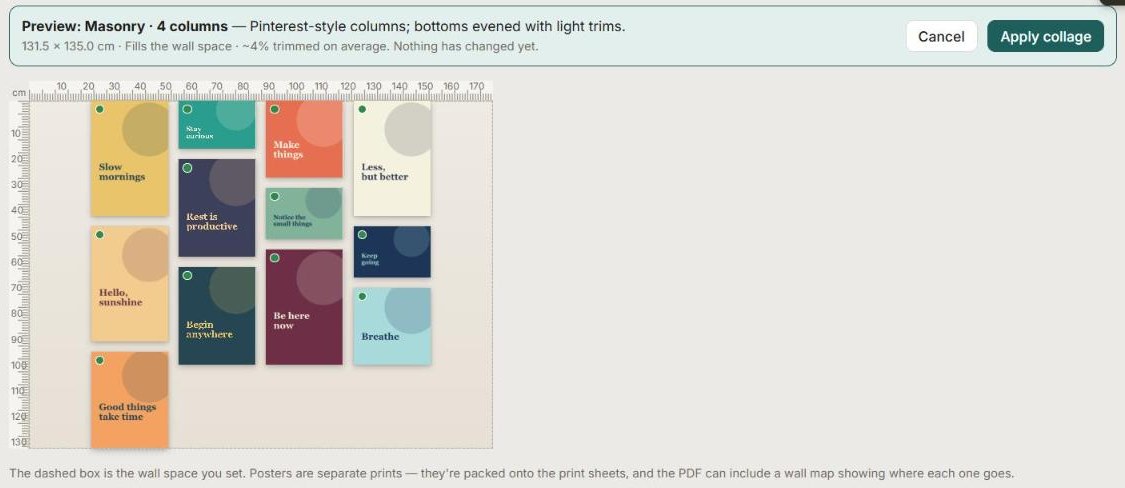
Preview masonry, gallery and grid layouts for your wall space, and add a wall map to the PDF showing where each poster goes.
A full-resolution PDF for the print shop, an editable PowerPoint file for Canva, and projects you can save and reopen.
Before printing anything, preview how the posters will sit together on your wall. Set the wall space, pick a layout, and the tool sizes every poster to fit.